How to Choose Cloud PBX Malaysia for SMEs
Malaysia SMEs using Panasonic, NEC, or other analogue phone systems can upgrade to Cloud PBX Malaysia to gain flexible calling, remote access, easier management, and lower infrastructure costs. Cloud PBX moves business communications to a secure hosted platform, allowing teams to use office numbers through IP phones, computers, and mobile devices.
Why are Malaysian SMEs moving away from analogue phone systems?
Traditional Panasonic, NEC, and other analogue PABX systems may have served your office reliably for years. However, they can become difficult and expensive to maintain as your business grows.
Common challenges include:
- Limited support for remote and hybrid employees
- Costly hardware repairs and replacement parts
- Complex extensions, cabling, and configuration changes
- Few built-in reporting or call-management features
- Dependence on a physical office location
An analogue phone system usually requires on-site hardware. If the system fails, your business may need a technician, replacement components, and significant downtime. Adding new users can also involve new wiring, hardware modules, or vendor visits.
A cloud-based business phone system replaces much of this complexity with software-managed communication. Your provider hosts the PBX, manages the platform, and helps maintain service availability while your team uses familiar business numbers.
What is Cloud PBX Malaysia?
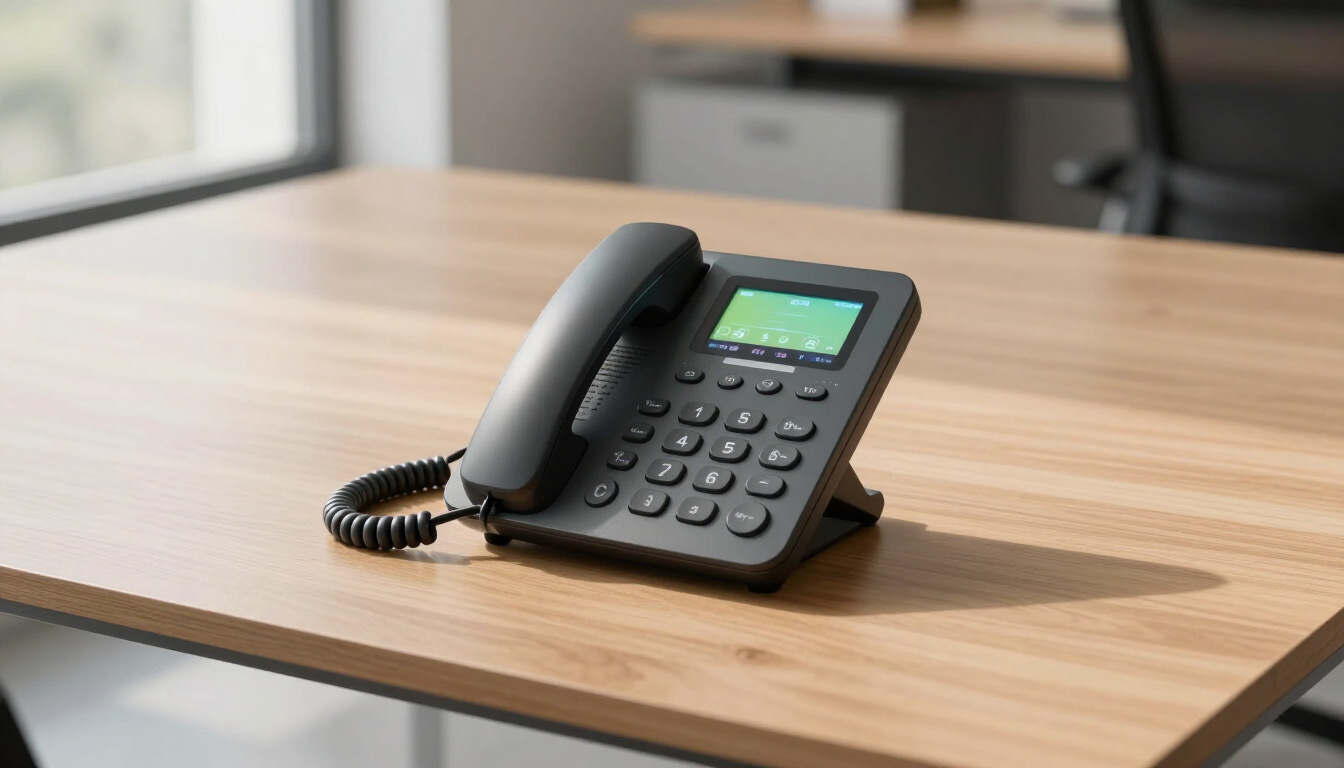
Cloud PBX Malaysia is a hosted private branch exchange service delivered over an internet connection. Instead of keeping all call-control equipment at your premises, the provider operates the PBX in a secure data environment.
The system can manage:
- Incoming and outgoing business calls
- Extensions and departments
- Auto-attendants and IVR menus
- Call transfers, queues, and hold functions
- Voicemail and business-hour routing
- Call recording and activity reporting
Employees can often connect using IP desk phones, desktop applications, or mobile applications. This makes it easier to maintain one professional business identity across the office, home, and approved remote locations.
Cloud PBX is different from simply using consumer messaging applications. It is designed for business call flows, office numbers, extension management, administration, and customer service operations.
What are the benefits of a cloud business phone system?
Lower infrastructure responsibility
A hosted platform reduces the need to purchase and maintain a large on-site PABX. Your business may avoid some hardware upgrades, specialist maintenance, and space requirements.
Easier growth
New extensions, departments, and call routes can usually be configured through an administrator portal. This is useful when your company hires quickly, opens another location, or changes team structures.
Better support for hybrid work
Staff can answer calls through approved devices without being physically beside the office phone system. Calls can be routed to selected users, teams, or locations according to business rules.
Professional customer experience
Features such as welcome greetings, IVR menus, call queues, music on hold, and scheduled routing help customers reach the right person more efficiently.
More visibility
Call logs and reports can help managers understand call volumes, missed calls, response patterns, and team performance. Recording and reporting should always be configured in line with applicable privacy and employment requirements.
For a broader overview of available solutions, review the Cloud PBX Malaysia service page.
Is Cloud PBX better than Panasonic or NEC for an SME?
Cloud PBX is often a better fit for an SME when flexibility, remote access, predictable expansion, and simpler administration matter more than owning traditional equipment. However, the right choice depends on internet quality, security requirements, existing numbers, and the features your staff actually use.
| Consideration | Analogue PABX | Cloud PBX | |---|---|---| | Hardware | Installed on-site | Hosted by provider | | Expansion | May require modules or wiring | Usually software-configured | | Remote work | Limited or complicated | Designed for distributed users | | Maintenance | Customer manages more equipment | Provider manages the platform | | Mobility | Often tied to desk phones | IP phones, desktop, and mobile options | | Reporting | May require extra systems | Commonly available as a platform feature |
A traditional system may still be appropriate for a site with unreliable internet, specialised analogue devices, or a strong reason to retain existing infrastructure. A professional assessment should compare both options rather than assuming every business needs the same design.
What should you check before switching to Cloud PBX?
1. Internet and network readiness
Voice quality depends on stable connectivity, suitable bandwidth, and a properly configured local network. Ask the provider about latency, jitter, packet loss, traffic prioritisation, and backup connectivity.
A separate or secondary internet connection may be appropriate for companies that depend heavily on incoming calls. Your network should also use secure Wi-Fi practices, updated equipment, and controlled access to administration tools.
2. Number portability
Confirm whether your current business numbers can be retained and how long porting may take. Ask about temporary routing during the migration so customers are not left without a working contact number.
3. Calling features
List the features your office uses today and those you need next year. These may include:
- Auto-attendant and multilingual greetings
- Ring groups, queues, and overflow routing
- Call recording and supervisor monitoring
- Mobile or desktop softphone access
- Scheduled holiday and after-hours rules
4. Security and administration
Ask how the platform protects accounts, devices, recordings, and call data. Features such as strong passwords, role-based permissions, multi-factor authentication, audit logs, and secure provisioning are valuable safeguards.
5. Support and service levels
A low monthly price is not useful if support is slow when your phone system fails. Review local technical support, escalation procedures, service availability commitments, onboarding, training, and maintenance communication.
How does Cloud PBX migration work?
A sensible migration is planned in stages rather than treated as a simple hardware replacement.
- Document the current system. Record numbers, extensions, departments, hunt groups, greetings, devices, and business-hour rules.
- Review technical readiness. Test internet connections, network equipment, power protection, and user locations.
- Design the call flow. Map how customers should reach sales, support, accounts, reception, and after-hours contacts.
- Configure and test. Set up users, devices, permissions, greetings, voicemail, recording policies, and failover routes.
- Train employees. Demonstrate transfers, parking, voicemail, mobile access, status settings, and escalation procedures.
- Schedule the cutover. Move numbers during a controlled window and keep a rollback or temporary forwarding plan available.
- Review performance. Check call quality, missed calls, user adoption, and reports after launch.
Cloud PBX, IP PBX, or SIP Trunk: which option fits?
These terms describe related but different approaches:
- Cloud PBX: A hosted phone system managed by a service provider.
- IP PBX: A phone system using internet protocol, hosted on-site or in a private environment.
- SIP Trunk: A service that connects an IP PBX to the public telephone network using internet connectivity.
An SME wanting minimal on-site equipment may prefer Cloud PBX. A company needing deeper control over its own system may consider IP PBX Malaysia . Businesses that already operate a compatible IP PBX may benefit from SIP Trunk Malaysia instead.
The best decision depends on ownership preferences, technical resources, compliance needs, call volume, and long-term expansion plans. Compare the complete cost of equipment, licences, connectivity, support, security, and maintenance—not only the monthly user price.
Frequently asked questions
Can I keep my existing business phone number?
In many cases, numbers can be ported, subject to carrier and geographic requirements. Confirm eligibility, documentation, timing, and temporary forwarding arrangements before signing off the migration plan.
Can employees answer office calls from home?
Yes. Depending on the service design, employees can use IP phones, desktop applications, or mobile applications. Access should be protected with suitable authentication and device policies.
Will Cloud PBX work with existing phones?
Some IP phones may be compatible, but older analogue handsets usually require an adapter or replacement. Ask the provider to assess each device before migration.
How much does Cloud PBX cost in Malaysia?
Pricing varies according to users, numbers, devices, features, call usage, support, and installation. Request a complete quotation that separates recurring fees from one-time setup costs.
Choose the right next step
For most Malaysian SMEs, moving from an ageing Panasonic, NEC, or analogue system to Cloud PBX can improve flexibility, administration, and customer call handling. Start by documenting your current setup, checking network readiness, confirming number portability, and listing essential features. Then compare a hosted Cloud PBX with IP PBX and SIP Trunk alternatives based on total cost and support quality. If you are ready to discuss requirements, visit Contact Us or explore the available Products .